Installation
Windows
Installation is performed by the automated setup program. Follow the instruction of the setup wizard. The software requires a 64-bit computer with Windows 10/11 and Microsoft .NET Desktop Runtime 10.0.
The installer also includes the command-line interface (CLI).
After installation it can be found at:
%LOCALAPPDATA%\Programs\CalcpadCE\cli\Cli.exe
Linux
-
CalcpadCE is a .NET application, so you need .NET 10.0 to run it on Linux. Use the following commands to install .NET 10.0 runtime:
sudo apt update

sudo apt-get install -y dotnet-runtime-10.0
If you need to uninstall older dotnet versions, run this command before the above ones:
sudo apt remove dotnet* -
If you do not have Chromium installed, you will need it to download CalcpadCE and view the reports after calculation. Install it with the following command:
sudo snap install chromium -
Download the CalcpadCE setup package from the following link: https://github.com/imartincei/CalcpadCE/releases Then, install CalcpadCE, using the following command:
sudo apt-get install -y <path-to-your-downloads-folder>/Calcpad.7.5.9.debInstead of <path-to-your-downloads-folder> you must put the actual path, something like this:
sudo apt-get install -y /home/<user>/snap/chromium/3235/Downloads/Calcpad.7.5.9.debIf you get a message like the one below, please ignore it: N: Download is performed unsandboxed as root as file '.../Calcpad.7.5.9.deb' couldn't be accessed by user '_apt'. - pkgAcquire::Run (13: Permission denied)
And that's it. You can start the CalcpadCE command line interpreter (CLI) by simply typing:
calcpad
You can use it to perform calculations in console mode:
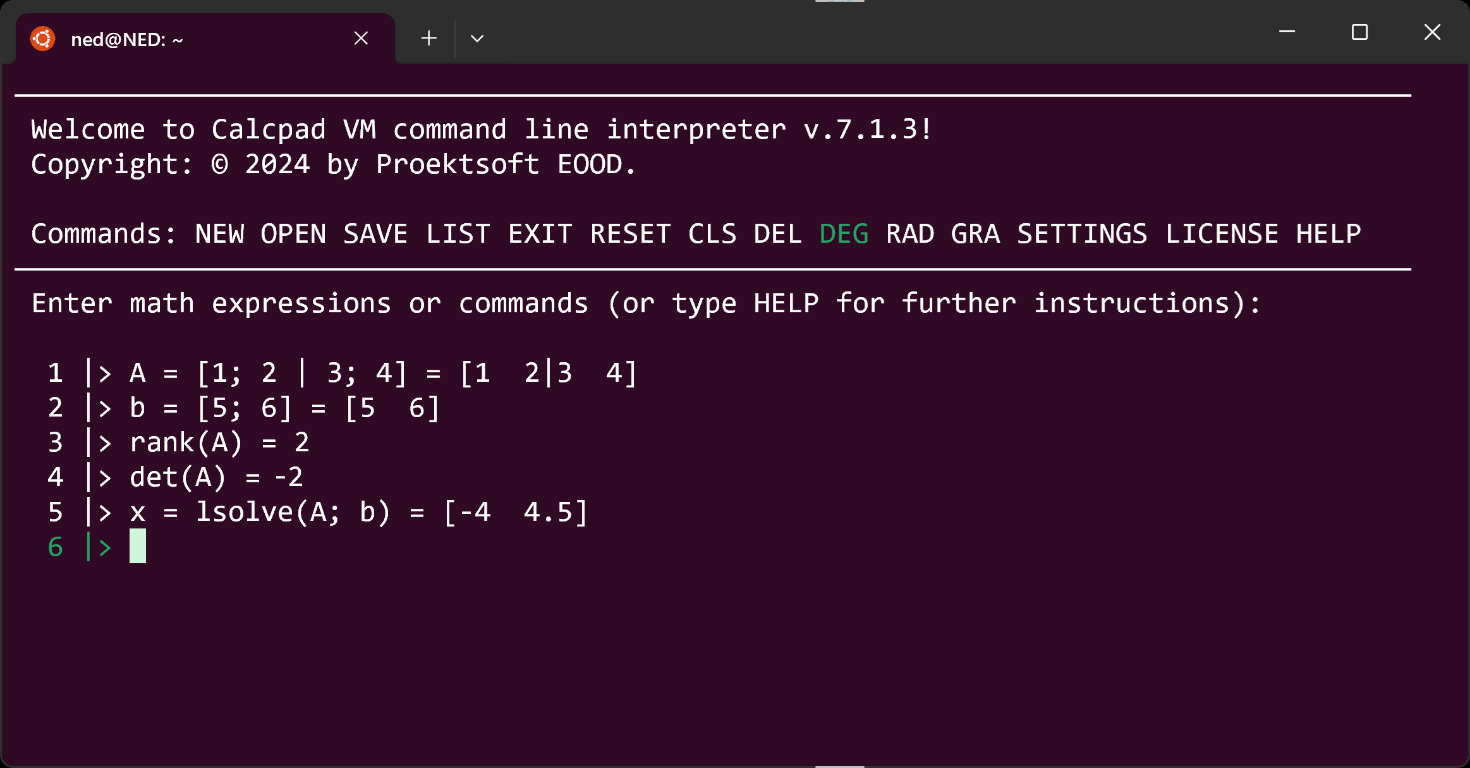
The Linux version does not include any GUI yet, but you can use some advanced code editors like Notepad++ and Sublime to write CalcpadCE code and Chromium to view the results. Instructions on how to install Sublime Text on Linux are provided here:
https://www.sublimetext.com/docs/linux_repositories.html
For Ubuntu, you can use the following commands:
wget -qO - https://download.sublimetext.com/sublimehq-pub.gpg | gpg --dearmor | sudo tee /etc/apt/trusted.gpg.d/sublimehq-archive.gpg > /dev/null

sudo apt-get update

echo "deb https://download.sublimetext.com/ apt/stable/" | sudo tee /etc/apt/sources.list.d/sublime-text.list

sudo apt-get install sublime-text
Then, goto https://github.com/imartincei/CalcpadCE/tree/main/Setup/Linux/Sublime and download the following files:
- calcpad.sublime-build
- calcpad.sublime-completions
- calcpad.sublime-syntax
- Monokai.sublime-color-scheme
Copy them to the Sublime Text user package folder:
/home/<user>/.config/sublime-text/Packages/User
Here, <user> must be your actual username. Finally, you can open Sublime Text and Chromium with the following commands:
subl &
chromium &
Put them side to side. Start a new *.cpd file in Sublime Text or open an example from the /usr/share/CalcpadCE/Examples folder. Press Ctrl+B to calculate. If everything is OK, the results will show in Chromium:
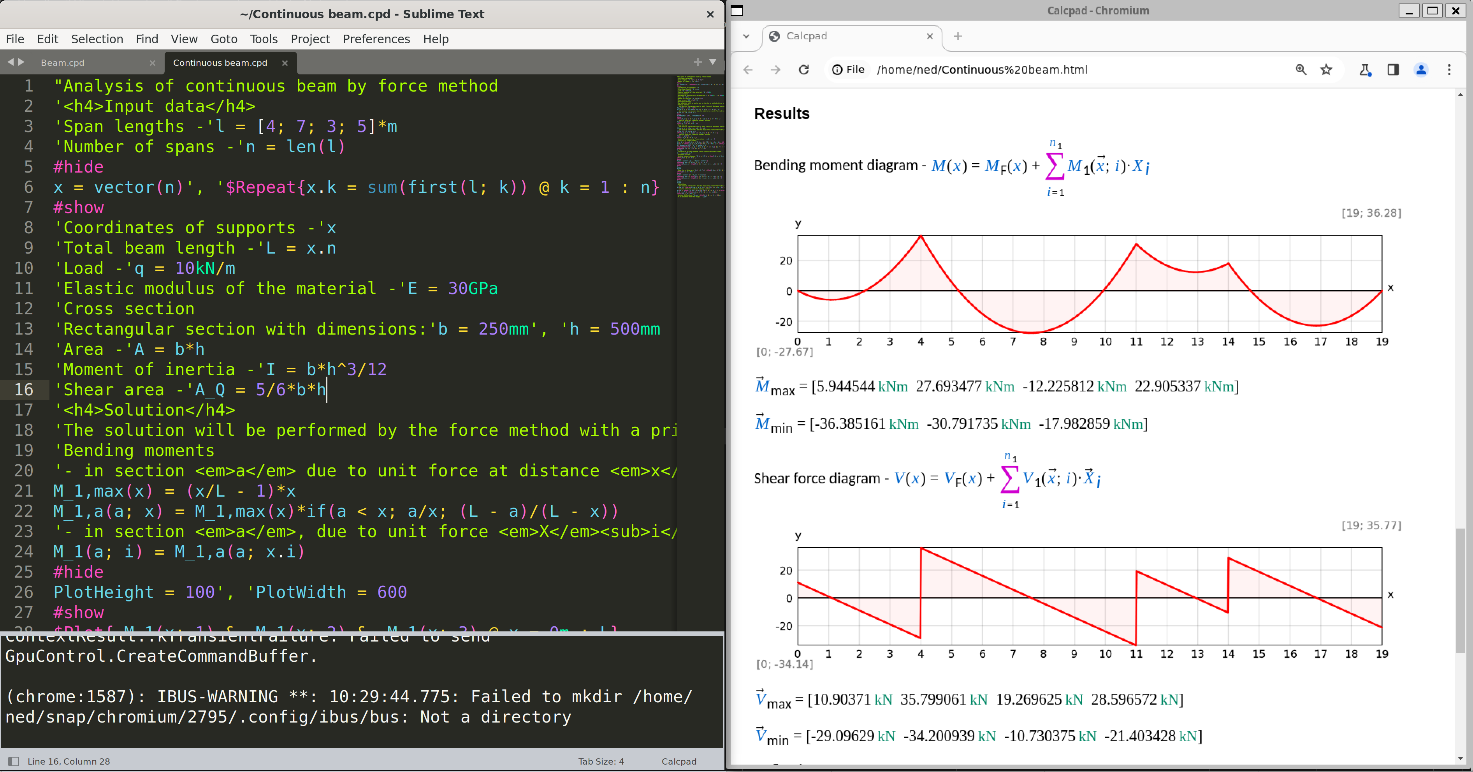
Finally, if you want to uninstall Calcpad, type the following:
sudo apt-get --purge remove calcpad